
How to Count Words in an Essay, Article, or Assignment Easily
When writing an essay, an assignment, a blog post, or any other type of content, you may need to adhere to a specific word count limit. Writing too much or too little can sometimes affect the quality of your work.
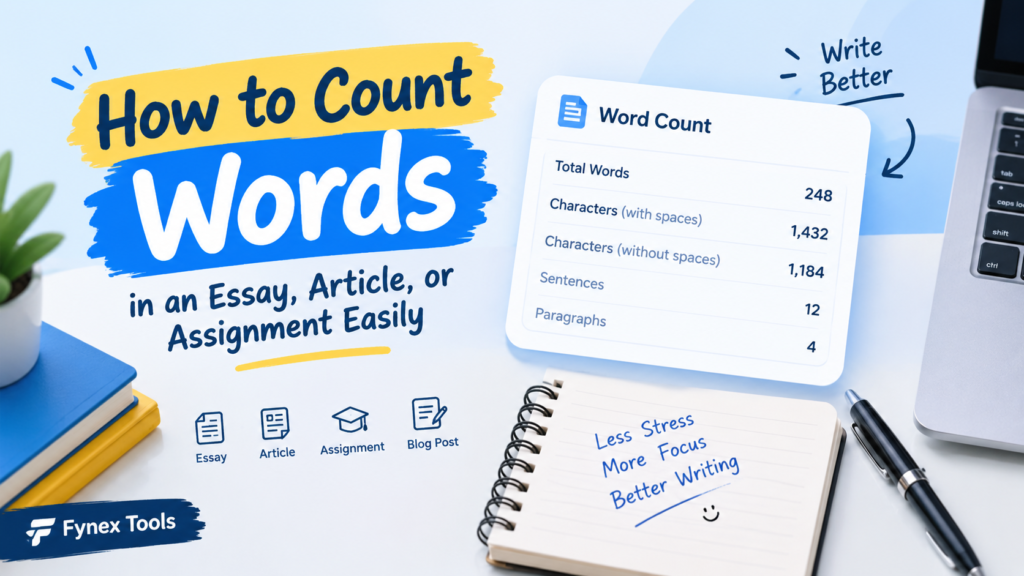
Fortunately, checking the word count is simple. You can use the word count feature in standard word processing software or an online tool, such as the one offered by Fynex Tools.
Why Is Word Count Important?
A word count gives you a quick idea of the length of your content. Many schools, universities, websites, and writing projects set a minimum or maximum word limit.
For example, if an assignment requires 500 words, submitting only 250 might not cover the topic fully. On the other hand, writing 1,500 words when the limit is 500 can make the content unnecessarily long.
Checking the word count helps you stay within the required range.
How to Count Words in Your Content
There are several easy ways to check word count.
1. Use a Word Processor
Applications such as Microsoft Word and Google Docs have built-in word-count features. You can usually find the total number of words from the document’s tools or status area.
This method works well when you are already writing inside the application.
2. Use an Online Tool
If your content is already written, an online word-count tool can be more convenient. Simply copy your text, paste it into the tool, and check the result.
For example, Fynex Tools offers online utilities that can help with everyday digital tasks. Its word-counting feature can be useful when you want to quickly check the length of your text without opening a separate document editor.
3. Count Words on Mobile
You can also use an online word counter from your smartphone. This can be useful when writing social media content, notes, assignments, or short articles on the go.
What Else Should You Check?
Word count is not the only thing that matters when writing. Depending on your purpose, you may also want to check:
- Character count
- Number of sentences
- Paragraphs
- Reading length
- Overall readability
These details can help you understand your content better and make necessary improvements.
Tips for Staying Within a Word Limit
If you have a specific word limit, keep these simple tips in mind:
Plan before writing: Decide what points you want to cover before starting.
Avoid unnecessary repetition: Repeating the same idea can increase the word count without adding useful information.
Keep sentences clear: Short and meaningful sentences can make your content easier to read.
Check the final count: Always check your content after finishing the first draft.
conclusion
Knowing how to count words is a small but useful part of writing. Whether you are preparing an assignment, writing an article, or creating online content, checking the word count helps you stay organized and follow requirements.
For a quick check, you can use the built-in word-count options in writing software or an online tool like Fynex Tools Word Counter Tool It only takes a few seconds and can save you from manually counting every word.